
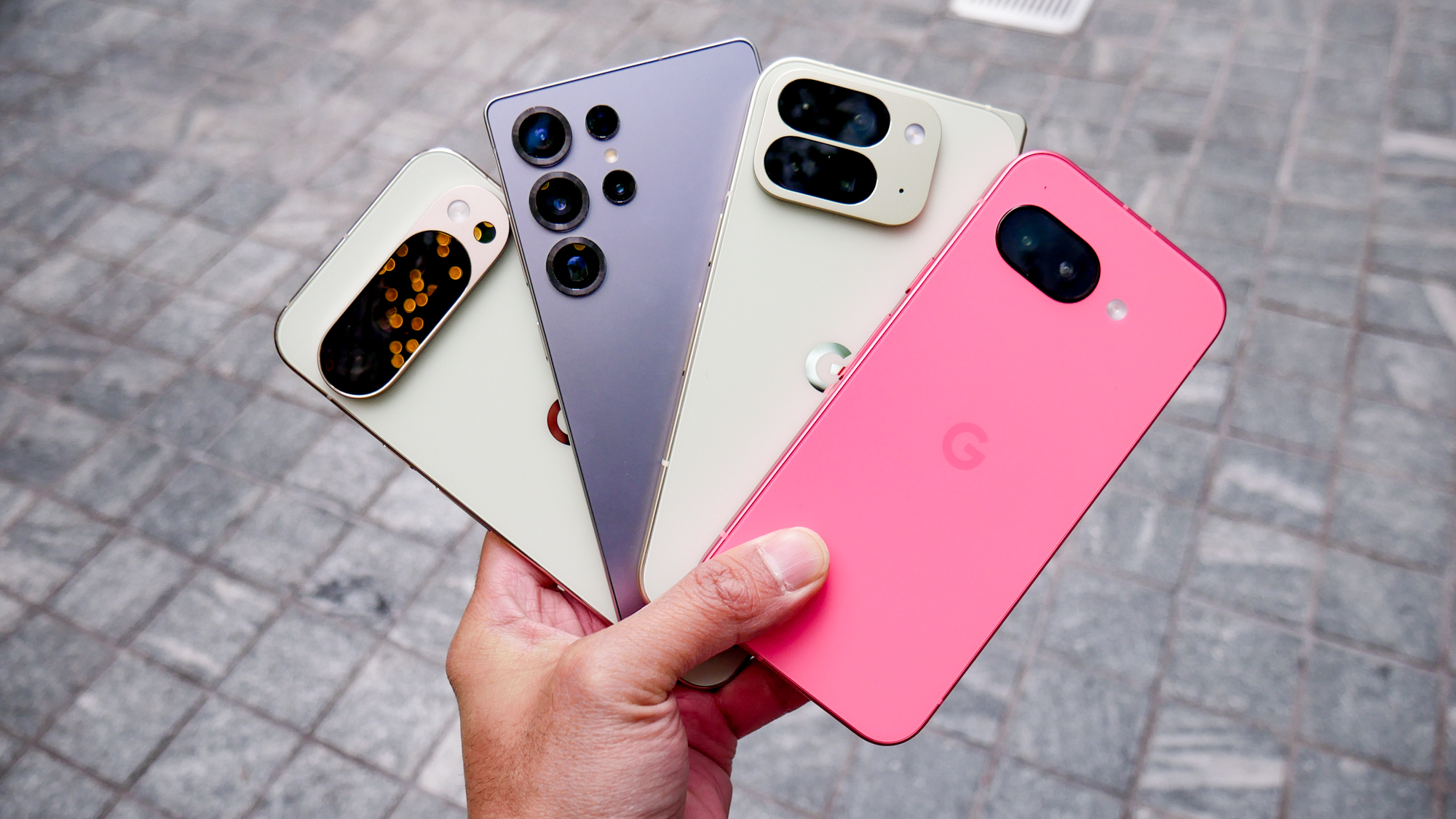
A slow Android phone can be incredibly frustrating. Simple actions like opening apps, scrolling, or switching screens start taking longer, and the device no longer feels responsive. Many people immediately look for “cleaner” or “booster” apps, but the truth is that most of these apps don’t solve the real problem—and sometimes make it worse.
In 2026, Android already includes powerful built-in tools that can significantly improve performance. This guide shows how to speed up a slow Android phone without installing any extra apps, using only smart system-level changes.
Why Android Phones Slow Down Over Time
Android phones don’t usually become slow overnight. Performance drops gradually due to background processes, cluttered storage, outdated settings, and visual effects that consume resources. As apps update and files pile up, the system has to work harder to keep up.
The good news is that most of these issues are reversible with a few careful adjustments.
Restart Your Phone the Right Way
Restarting sounds basic, but many users rarely do it.
Why Restarting Helps
A restart clears temporary memory, stops stuck background processes, and refreshes system performance. Phones that stay powered on for weeks often develop lag due to memory congestion.
Restarting your phone once every few days can noticeably improve responsiveness.
Free Up Storage Space
Low storage is one of the biggest causes of slow performance.
What to Remove First
- Old photos and videos you no longer need
- Large files downloaded months ago
- Cached data from rarely used apps
When storage space drops too low, Android struggles to manage system tasks efficiently.
Aim for Breathing Room
Keeping at least 20–25% of your storage free helps the system run more smoothly.
Reduce Background Activity
Many apps continue running even when you’re not using them.
Limit Background Usage
Go into your phone’s settings and restrict background activity for apps you don’t need running all the time. Social media and shopping apps are common culprits.
This reduces memory usage and improves overall speed.
Disable Unnecessary Animations
Visual animations look nice, but they also use system resources.
Why Animations Affect Speed
Every transition, fade, and motion effect requires processing power. On older or budget phones, these effects can slow things down.
Reducing animation scale in system settings makes your phone feel faster instantly, even though nothing else has changed.
Update Your System Software
System updates are not just about new features.
Performance Improvements
Updates often include bug fixes, performance optimizations, and security patches. Ignoring them can leave your phone running inefficient code.
Always install stable updates when they’re available.
Remove Unused System Features
Some built-in features quietly consume resources.
Features to Review
- Always-on display
- Unused gesture controls
- Location access for rarely used services
Turning off features you don’t actively use reduces system workload.
Manage Widgets and Live Wallpapers
Home screen elements can impact performance more than people realize.
Keep It Simple
Live wallpapers and constantly updating widgets refresh in the background. Reducing the number of widgets and switching to a static wallpaper can free up resources.
A simpler home screen often feels faster and cleaner.
Reset App Preferences (Without Losing Data)
Over time, app permissions and defaults can become messy.
Why This Helps
Resetting app preferences restores default behavior without deleting personal data. This can fix background permission issues that slow the system.
It’s a safe way to refresh how apps interact with your phone.
When to Consider a Factory Reset
If your phone remains slow after trying everything else, a factory reset may help.
Why It Works
A reset removes accumulated clutter, old configurations, and system conflicts. While it requires backing up your data, it can make an old phone feel surprisingly fresh again.
This should be a last resort, not the first step.
Is It Possible to Make an Old Android Phone Fast Again?
While no tweak can turn an old phone into a brand-new flagship, these steps can dramatically improve everyday performance. Simple tasks like messaging, browsing, and app switching become smoother when system resources are properly managed.
Most slowdowns come from neglect, not hardware failure.
Final Thoughts
Speeding up a slow Android phone doesn’t require extra apps or risky tools. By cleaning storage, limiting background activity, simplifying visuals, and keeping the system updated, you can restore much of your phone’s original responsiveness.
Small changes, when combined, create a noticeably faster and more reliable Android experience.